
What if your study notes could organize themselves — and your tasks stayed on track without constant reminders? That’s exactly what Notion AI brings to the table. This smart tool is changing how students plan, learn, and stay productive. Ready to upgrade your study game? Let’s explore 7 surprisingly smart ways to make it happen.
1. Create Dynamic Study Schedules That Adapt Automatically
Gone are the days of static planners and sticky notes. With Notion AI, your study schedule isn’t just organized — it’s alive. The tool analyzes your workload, detects upcoming deadlines, and suggests optimal study times based on your habits and calendar entries.
Let’s say your biology exam gets moved up. Notion AI will automatically reshuffle your task blocks and suggest an updated timeline. It’s like having a personal academic assistant that adapts in real time. No more forgetting due dates or study gaps.
Looking to dive deeper into automating your workflow? Check out this guide on AI workflow tools to supercharge your productivity.
2. Turn Lecture Notes Into Study Guides in Seconds
Tired of re-reading pages of handwritten notes? Notion AI can turn those blocks of text into easy-to-digest summaries, highlight key concepts, and even format your content into bulleted study guides — all with a few clicks.
Just paste in your notes, and click the AI button. You’ll get clean, structured, and focused material tailored for revision. This is particularly useful when you’re prepping for midterms and need clarity fast.
Need help summarizing smarter? Don’t miss this read: How to Summarize Notes and Meetings with Notion AI.
3. Organize Research With Smart Tagging & Categorization
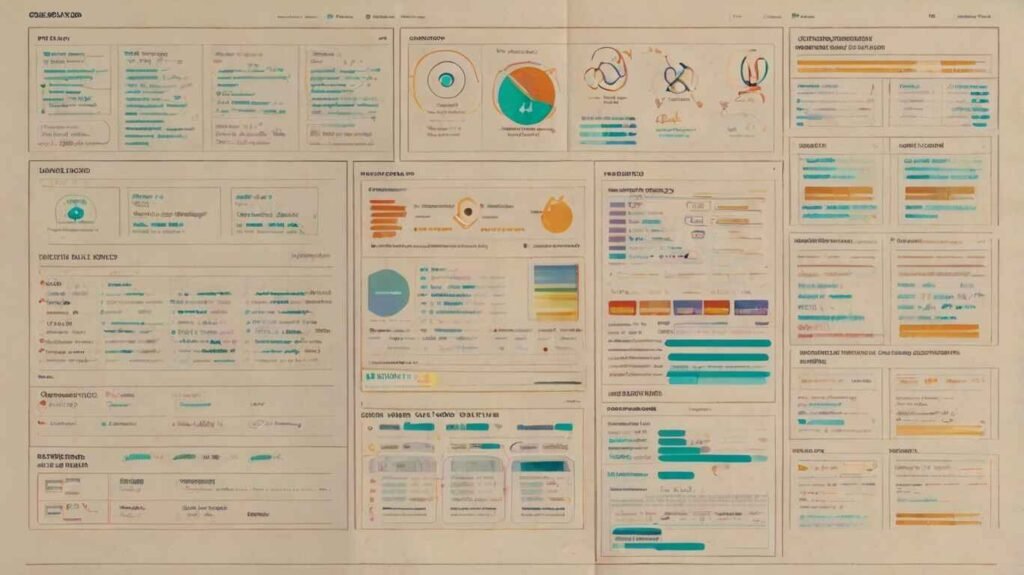
Research can get messy fast — scattered articles, PDFs, citations, and quotes all over the place. But Notion AI streamlines that chaos. It analyzes content and automatically suggests tags and categories that align with your study themes.
Let’s say you’re writing a psychology paper. Upload your sources, and Notion AI will cluster them by topic: cognitive bias, memory studies, behavioral theory, etc. It’s like having an intelligent librarian on standby.
To make your setup even more effective, explore these productivity templates designed for Notion AI.
4. Generate Quiz Questions from Your Class Notes
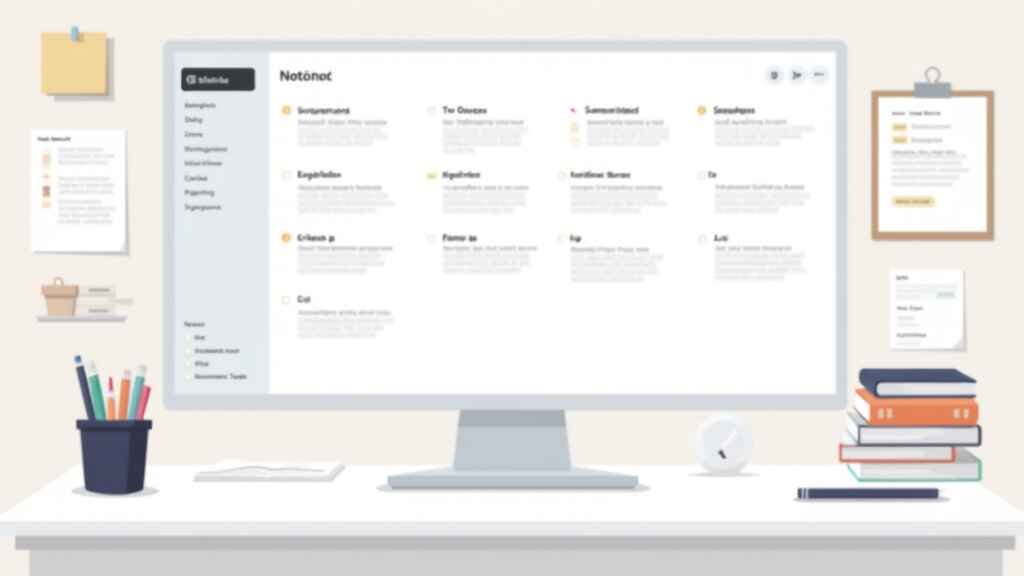
This one’s a game-changer. Notion AI can turn your lecture notes into quizzes, flashcards, or fill-in-the-blank prompts — instantly. It identifies key concepts and builds questions that mimic what you might see on exams.
Imagine uploading your economics lecture and getting 15 quiz questions to test yourself — all before your study group meets. You can even customize difficulty or filter questions by topic. This turns passive reading into active learning.
Want to go deeper with planning? Learn how to automate note-taking and planning with Notion AI for full control of your study process.
5. Use Notion AI to Track Assignments & Deadlines
Notion AI makes deadline stress a thing of the past. You can set up an intelligent tracker that not only logs due dates but also prioritizes them and nudges you when you’re falling behind. It even suggests the best time to work on tasks based on your past study patterns.
Think of it as a pressure-free accountability buddy that keeps your academic life in check. Whether it’s a weekly quiz or a semester-long paper, nothing slips through the cracks anymore.
6. Brainstorm Essay Ideas & Outlines Faster
Struggling with writer’s block? Just prompt Notion AI with a topic, and it will instantly suggest angles, thesis statements, and even section breakdowns. You can ask follow-ups to refine your ideas and get more specific suggestions — it’s like co-writing with a sharp editor on demand.
This is especially helpful when you’re juggling multiple classes and can’t afford to waste time figuring out how to start a 2,000-word essay. Let the AI give you that push.
Want a full guide on how to optimize your note-based writing process? This article breaks it down step-by-step.
7. Collaborate Seamlessly on Group Projects

Let’s be real — group projects can be chaotic. Notion AI helps simplify collaboration by auto-assigning tasks, syncing status updates, and offering intelligent suggestions for workflow planning. You’ll know who’s doing what and when — with zero guesswork.
You can also generate meeting notes, create shared timelines, and keep track of progress without a million messages in your group chat. The result? Less friction, more execution.
Ready to Try Notion AI for Yourself?
If you’re serious about studying smarter, planning better, and reducing academic stress, it’s time to get hands-on with Notion AI. It’s intuitive, powerful, and built for learners who want an edge.
👉 Try Notion AI now — your study life will thank you
Conclusion:
With Notion AI, your study system becomes smarter, faster, and stress-free. From building quiz questions to managing group projects, each feature helps you stay in control. So why not put it to the test? Try these strategies today and turn your academic chaos into clarity with Notion AI.