
Want to create videos that stop the scroll and rack up thousands of views? It all starts with the script. With tools like Pictory AI, even beginners can write high-performing scripts that turn into stunning, shareable videos in minutes. But what separates a good script from a viral one? In this guide, you’ll discover seven powerful tricks to write viral scripts using Pictory AI—fast, smart, and conversion-ready. Let’s dive in.
Best AI Video Editing Tools for Creators and Marketers
Choosing the right AI video editing tool can make or break your content workflow. If you’re a content creator, marketer, or brand strategist, it’s essential to work with platforms that combine automation with creativity.

Here are some top AI editing tools worth exploring:
- Pictory AI – Perfect for script-to-video automation and YouTube repurposing.
- Descript – Great for podcast and video editing with transcription.
- Vidyo AI – Best for turning long-form content into bite-sized clips.
- VEED.IO – Offers subtitles, templates, and online collaboration.
Still undecided? Check out How to Choose the Right AI Editor for Your Video Projects for an in-depth comparison.
How to Create Videos Quickly with Pictory AI
If speed is your goal, Pictory AI is a serious game-changer. It allows you to transform scripts, blog posts, or even Zoom recordings into polished videos—fast.
The process is simple:
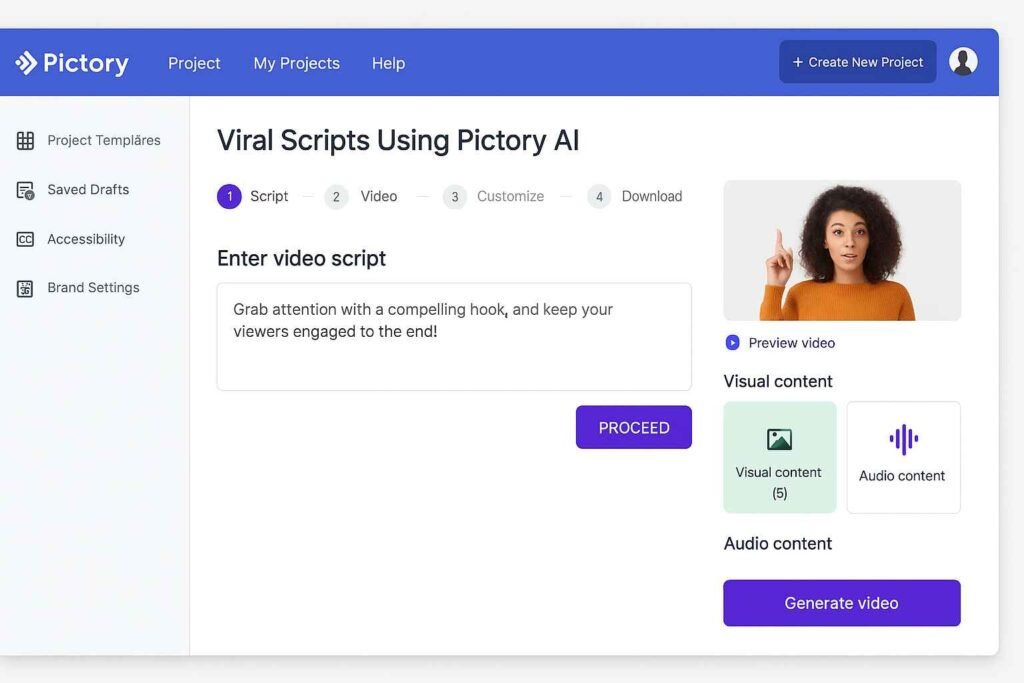
- Log in and choose the content type: script, article, or visuals-first.
- Paste your script or import your blog post URL.
- Pictory’s AI automatically selects stock visuals and adds captions.
- Edit, brand, and export in just minutes.
Want the full workflow? Explore the step-by-step guide here.
Generating Video Scripts with Pictory AI
One of Pictory’s standout features is its AI-powered script generation. Just add a topic or bullet points, and it crafts a narrative structure complete with a hook, body, and CTA.
Why this matters: A well-structured script is what sets viral videos apart. The algorithm knows what type of rhythm keeps viewers watching till the end.
Pro tip: Use the built-in script templates or paste in your high-converting ad copy for instant transformation into a video storyboard.
Editing YouTube Videos with Pictory AI
For YouTubers, repurposing long-form content is key. Pictory lets you auto-summarize and trim your existing YouTube videos into highlight reels, shorts, or reels—ideal for engagement and multi-platform growth.
Key features include:
- Auto-captioning and resizing for vertical formats
- Scene trimming with AI-powered suggestion cuts
- Branded templates and intro/outro insertion
Learn exactly how to do this for your next upload.
Pictory AI Pricing Plans and Value
Pictory offers flexible pricing that suits solo creators and teams alike. Here’s a breakdown of the current plans (subject to change):
| Plan | Monthly Price | Key Features |
|---|---|---|
| Standard | $23/month | 30 videos/month, 10-minute length, text-to-video |
| Premium | $47/month | 60 videos/month, 20-minute length, bulk export, brand kit |
| Teams | Custom | Collaboration tools, custom length, onboarding support |
The best part? All plans come with a free trial and don’t require a credit card to get started.
Check out a full breakdown of Pictory AI pricing to see which fits your goals.
7 Smart Tips for Making Scripts Go Viral with Pictory
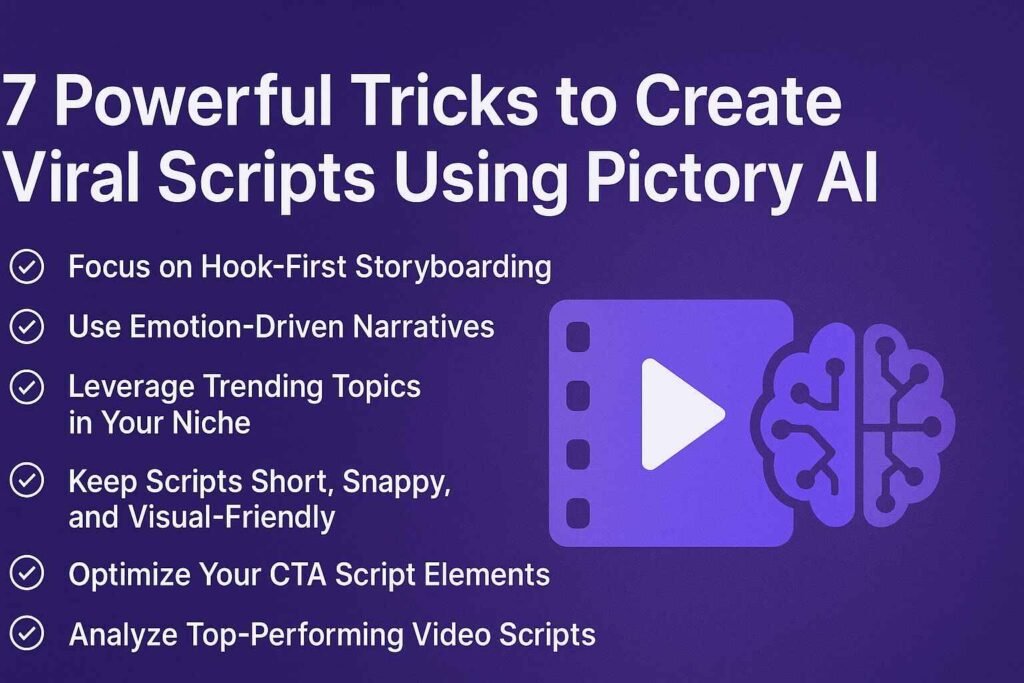
Focus on Hook-First Storyboarding
The first 5 seconds of your video matter more than anything. Start with a bold question, jaw-dropping fact, or emotional trigger to capture attention immediately.
Use Emotion-Driven Narratives
Think beyond features—tap into feelings. Frame your script to evoke joy, fear, hope, or curiosity. Emotion is what drives shares and saves.
Leverage Trending Topics in Your Niche
Use tools like Google Trends or Exploding Topics to find what your audience is already searching for. Then script around those ideas using Pictory’s dynamic templates.
Keep Scripts Short, Snappy, and Visual-Friendly
Videos that go viral are lean. Aim for 45–90 seconds max. Pictory’s scene editor helps you cut fluff and align text with visuals effortlessly.
Optimize Your CTA Script Elements
End with clarity: “Subscribe,” “Download,” “Comment below,” or “Check the link.” Use a single CTA and repeat it subtly twice for better conversions.
Analyze Top-Performing Video Scripts
Study viral videos in your niche. Deconstruct their hook, pacing, and tone. Then use Pictory to model your own script after proven winners.
A/B Test with Slight Script Variations
Don’t guess—test. Create two versions of your script with minor wording differences and upload both. Track which one gets better engagement and double down.
Writing viral scripts doesn’t require a Hollywood budget—just the right tool and strategy. Pictory AI gives you the power to craft, edit, and optimize scripts that actually convert. From idea to upload, it’s built for creators who want results. So whether you’re launching a brand or scaling your content game, these tips can help you hit “viral” more often. Ready to turn your next script into a winner? Try Pictory AI today and start creating smarter.