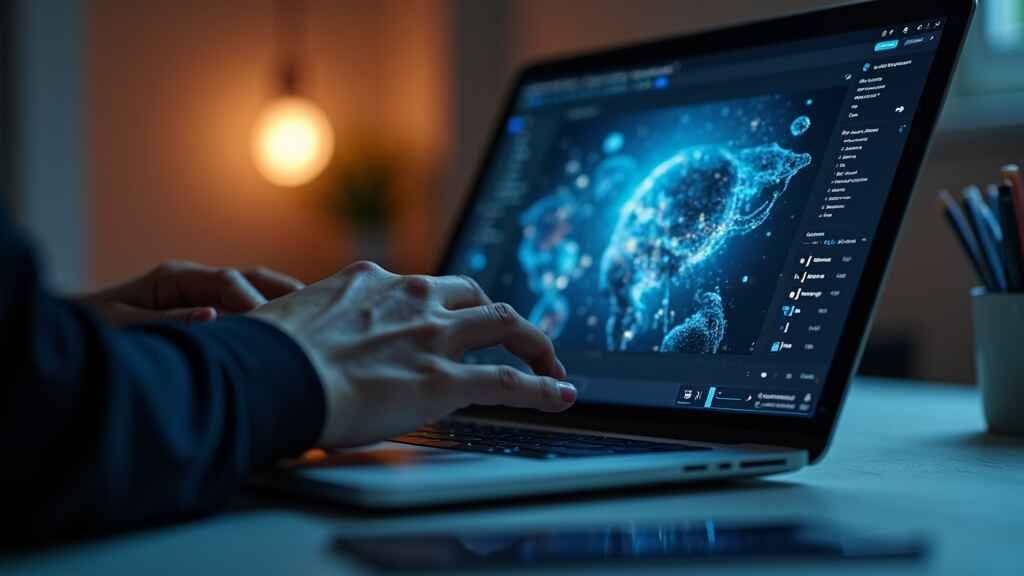
Want to create stunning designs without spending hours learning complex software? AI image design tools are changing the game for creators, marketers, and business owners. From quick image enhancements to generating original artwork, these tools make your visuals stand out effortlessly. Ready to discover how AI can unlock your design potential? Let’s dive in and transform your creative process today.
Understanding AI in Image Design: A Quick Overview
Have you ever wondered how brands churn out high-quality designs at lightning speed these days? The answer often lies in AI image design tools. These tools use artificial intelligence to automate creative processes such as enhancing images, removing backgrounds, generating original illustrations, or resizing visuals for different platforms. Instead of spending hours on manual edits, designers can now create eye-catching graphics in minutes. Imagine having a personal assistant who understands your visual needs, works tirelessly, and delivers professional results every single time – that’s the power of AI in design today.
Why AI Image Tools Are Transforming Visual Creativity
AI image tools are revolutionizing how we think about design. They allow individuals and brands to maintain consistency across visuals, rapidly test design ideas, and produce high-quality graphics even with minimal design experience. For example, an online business owner can create social media posts, website banners, and promotional images that look cohesive and professional without hiring a full-time designer. This accessibility opens up creative opportunities for small businesses, content creators, educators, and freelancers who want to compete visually in today’s crowded digital landscape.
Choosing the Right AI Image Design Tool: Key Factors
Ease of Use and Interface Experience
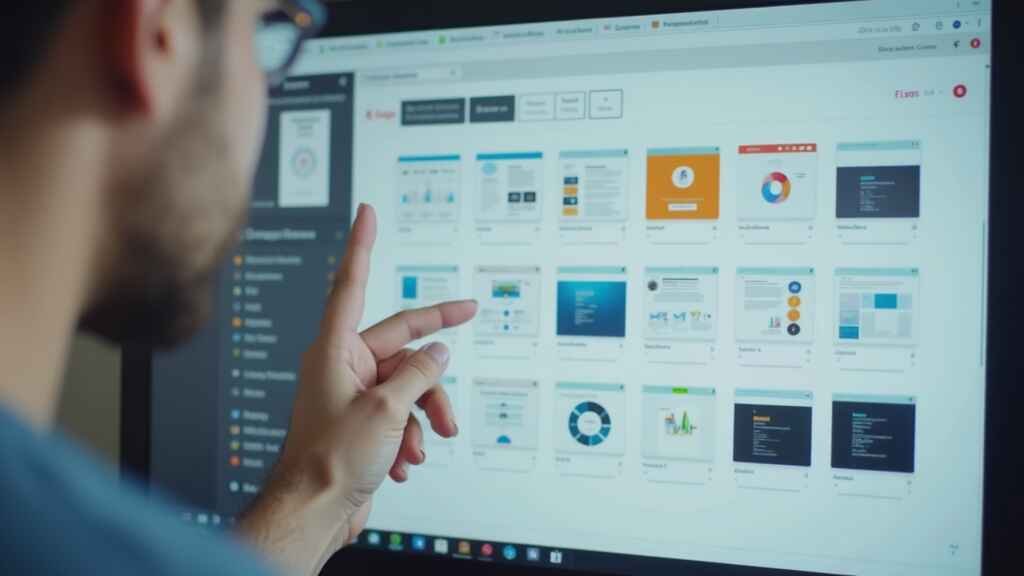
No matter how powerful a tool is, if the interface is clunky or confusing, it won’t be worth your time. Look for tools with intuitive layouts, clear menu structures, and responsive performance. For example, Canva’s AI integration is popular because its dashboard feels familiar, even to non-designers. The drag-and-drop features make creating visuals as simple as moving files around on your desktop. When testing a tool, check for tutorials, quick start guides, and community forums to help you learn efficiently.
Design Features and Capabilities
Every AI tool has unique strengths. Some specialize in text-to-image generation, perfect for conceptual illustrations and blog visuals. Others focus on enhancing existing photos with upscaling and clarity improvements. For instance, if you’re a blogger needing unique header images, AI art generators like Midjourney or DALL-E are ideal. If you run an eCommerce store and want consistent product images, tools offering batch background removal and resizing will be more useful. Define your needs first, then match them to a tool’s capabilities to avoid wasting time exploring irrelevant features.
Cost, Free Trials, and Subscription Options
Budget plays a critical role in choosing AI image design tools. Many platforms offer limited free versions or free trials to test core features. Paid plans unlock advanced capabilities such as higher-resolution exports, unlimited projects, or premium AI models for better outputs. For instance, Canva’s free plan is powerful, but its Pro plan includes AI Magic Design features that recommend templates based on your uploaded content. Before subscribing, use free trials to evaluate whether the benefits justify the monthly or annual investment.
Top AI Image Design Tools You Should Try
Tool #1: Canva Pro with AI Magic Design
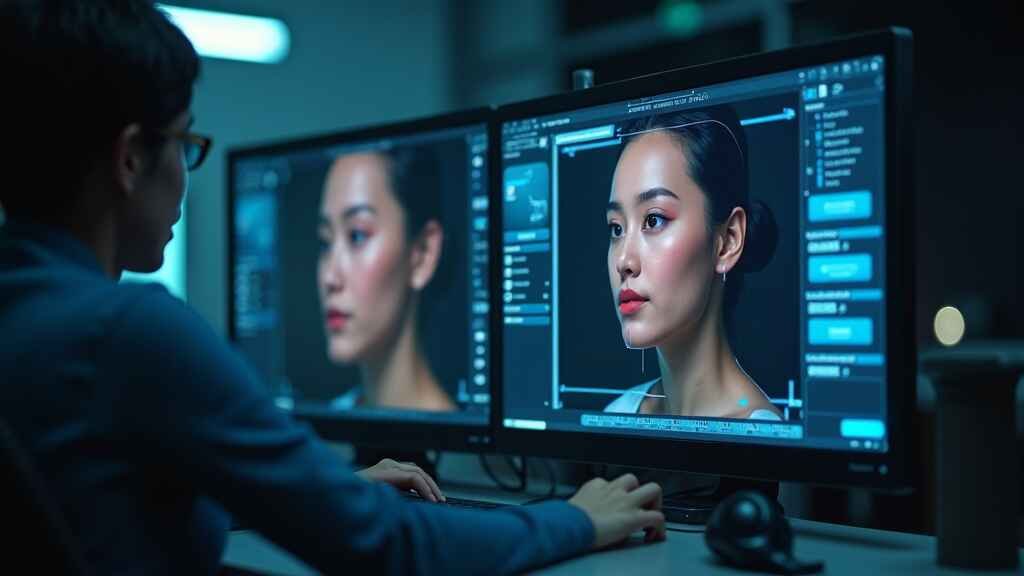
Canva has become a household name in online design, and its AI Magic Design tool adds even more efficiency. Simply upload an image or input text, and it recommends templates, fonts, and layouts tailored to your content. This feature is perfect for social media marketers who need quick turnaround without sacrificing visual quality. Pros include its user-friendly interface, vast template library, and direct publishing options to platforms like Facebook and Instagram. Its best use cases include creating promotional posts, educational slides, event flyers, and digital ads with minimal effort.
Tool #2: Midjourney AI Art Generator
Midjourney is a powerful text-to-image AI generator ideal for conceptual illustrations, book covers, fantasy art, or unique blog visuals. By entering simple or detailed prompts like “a futuristic city skyline in vibrant neon colours” or “medieval warrior in detailed armor, dramatic lighting,” you can produce stunning, high-resolution images that would take hours for traditional digital artists to render. Pros include its creativity-focused output and unique style interpretations. It’s best for creators who want to stand out visually with original, AI-crafted art pieces.
Tool #3: Adobe Firefly AI
Adobe Firefly integrates directly with Photoshop, enabling AI-powered image editing and generative fills. If you’re already in the Adobe ecosystem, this tool is a seamless addition to your workflow. It’s designed for professionals who require precision and creative control alongside AI efficiency. You can remove objects, extend backgrounds, or generate new elements that match your image’s lighting and style – all within a few clicks. Its best use cases include professional photography edits, marketing visuals, and high-quality website graphics that demand meticulous detail.
Step-by-Step: Creating Stunning Designs with AI Tools

Step 1: Setting Your Creative Goals
Before opening any AI tool, clarify your design goal. Are you making a Facebook ad to boost engagement? Creating an infographic for LinkedIn? Designing a product mockup for your online shop? Knowing your purpose guides your layout, color choices, and messaging to ensure your design resonates with its intended audience.
Step 2: Selecting Templates or Starting from Scratch
Most AI design tools offer two pathways: start with a template for speed or create from scratch for full control. Templates are especially useful when you’re on a deadline, as they’re optimized for specific platforms and engagement. For instance, Canva’s AI Magic Design recommends templates that match your brand colors or uploaded images, cutting decision time in half. However, when branding consistency is crucial, starting from scratch ensures every visual aligns perfectly with your style guide.
Step 3: Editing Images with AI Enhancements
This is where AI’s magic becomes tangible. Use automatic background removers to isolate products, AI upscalers to enhance low-resolution images without blurring, or text-to-image generators to create unique illustrations. For example, if you’re designing a YouTube thumbnail, Midjourney can generate an eye-catching conceptual image to overlay with bold text in Canva. While AI tools can produce impressive results instantly, always refine final designs manually to align with your brand’s tone, colour palette, and visual strategy.
Step 4: Exporting Designs for Web and Social Media
Once your design is ready, export it in formats and sizes best suited for your publishing platforms. For websites, use compressed PNG or WEBP files to maintain quality while ensuring fast loading times. For social media, follow optimal dimension guidelines to avoid cropping issues. Tools like Canva and Adobe Spark allow direct posting to social platforms, saving time and ensuring your images display perfectly across devices.
Common Mistakes to Avoid When Using AI Image Tools
AI tools are powerful, but they’re not foolproof. Here are common mistakes to avoid:
- Over-relying on AI outputs: Always tweak AI-generated visuals to match your brand guidelines and messaging.
- Ignoring image licensing: Check copyright terms for AI-generated images before using them commercially.
- Using generic designs: Avoid templates that look too similar to widely used free assets. Add custom elements to stand out.
- Skipping quality checks: AI upscaling and edits can create unnatural artifacts. Review final images carefully before publishing.
Case Studies: How Designers Boosted Creativity Using AI
Case Study 1: A freelance illustrator used Midjourney to generate base sketches for a children’s book. By refining AI-generated concepts in Procreate, she reduced illustration time by over 50%, enabling her to meet tight publishing deadlines while retaining her signature style.
Case Study 2: An eCommerce brand selling handmade jewelry used Canva’s AI background remover to batch-process 400 product images for its Shopify store. This consistent, clean presentation increased product page conversions by 25% within a month.
Case Study 3: A travel blogger combined DALL-E’s text-to-image art with Canva’s infographic templates to create visually stunning travel guides, leading to a 30% increase in Pinterest saves and blog traffic growth.
“AI is not here to replace designers – it’s here to empower them with superhuman creative efficiency.” – Visual Marketing Insights 2025
Emerging Trends in AI Image Design for 2025 and Beyond
AI design is evolving rapidly. In 2025, expect real-time style transfer features where AI applies your brand’s unique visual signature across all designs instantly. Motion design AI tools will gain popularity, enabling creators to animate static visuals into engaging video reels or GIFs without manual keyframing. Additionally, ethical AI design practices will become essential. Designers must ensure generated content avoids copyright infringement, bias, or misuse. Platforms are already implementing robust policies and training datasets to address these concerns.
Another emerging trend is multi-modal AI, which combines text, image, and voice inputs for content creation. Imagine describing a concept verbally while AI generates an illustration in real time – perfect for brainstorming sessions or rapid design prototyping.
Final Thoughts: Choosing and Mastering AI Image Tools
AI image design tools are transforming how we create, market, and communicate visually. They offer unprecedented efficiency, creativity, and flexibility when used strategically. Start by defining your design goals, experimenting with different tools, and integrating AI into your workflow to complement – not replace – your creative expertise. The future of design lies in this synergy between human intuition and AI innovation. Embrace it today, and you’ll remain ahead of the curve tomorrow.
AI image design tools are your shortcut to creating eye-catching, professional visuals with ease. By combining these smart tools with your unique creativity, you’ll produce designs that truly connect with your audience. Ready to master AI and elevate your visual content strategy? Start exploring these tools today and watch your creative workflow transform for the better.