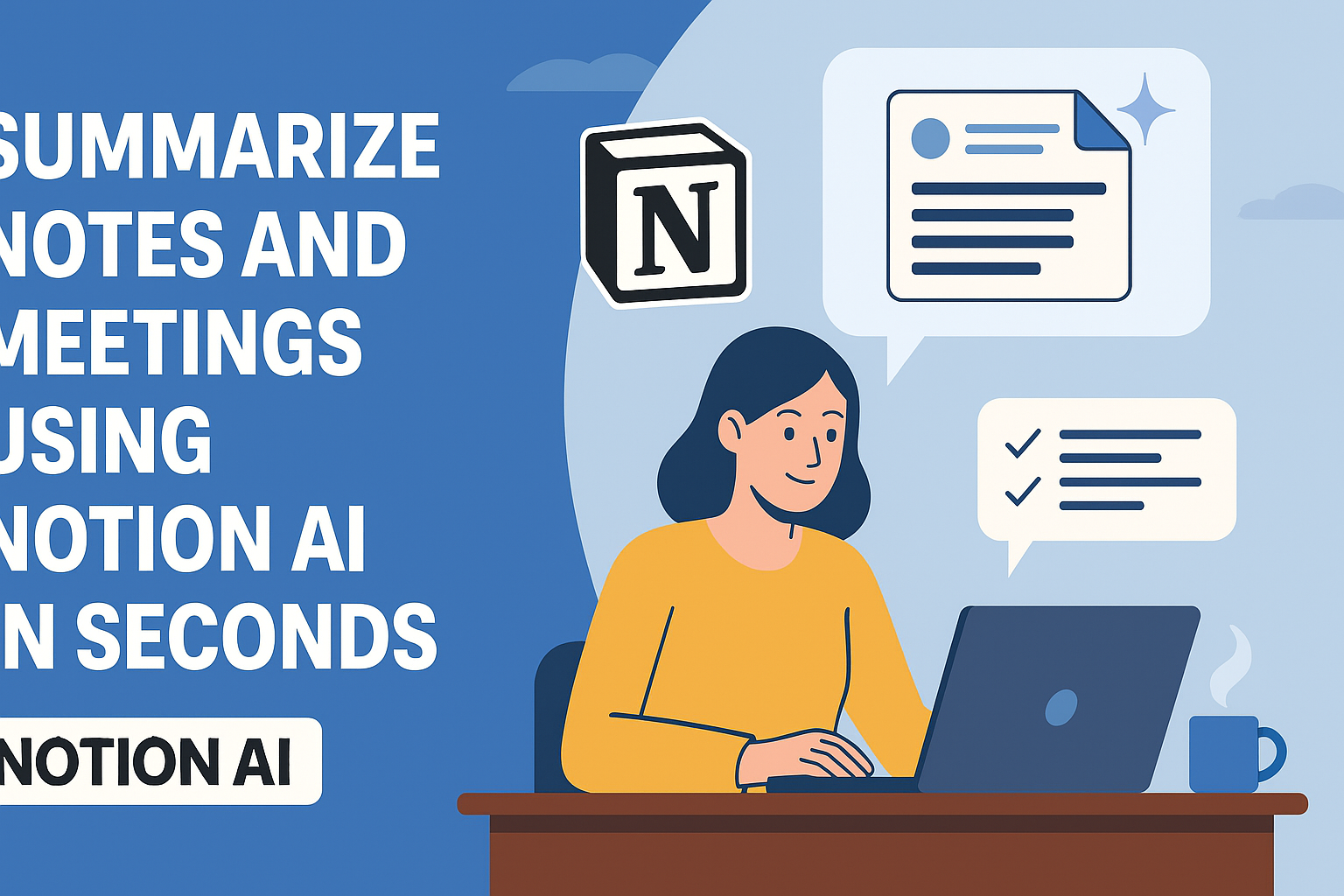
Ever left a meeting with messy notes you’ll never look at again? You’re not alone. The good news? Notion AI now lets you summarize notes and meetings in seconds—with almost zero effort. Whether you’re a student, team lead, or solopreneur, this AI-powered assistant might be your secret weapon. Ready to finally ditch the chaos and work smarter? Let’s dive in.
Why Note-Taking Still Sucks (and What’s Changing)
Let’s face it—traditional note-taking during meetings is exhausting, error-prone, and time-consuming. You jot down half-baked sentences, try to multitask, and end up with a mess that’s hard to review later. Sound familiar? That’s where tools like Notion AI are flipping the script.
Instead of scrambling to capture every detail, imagine your notes automatically turning into clean summaries, action points, and even content outlines—within seconds.
What Is Notion AI? A Quick Overview
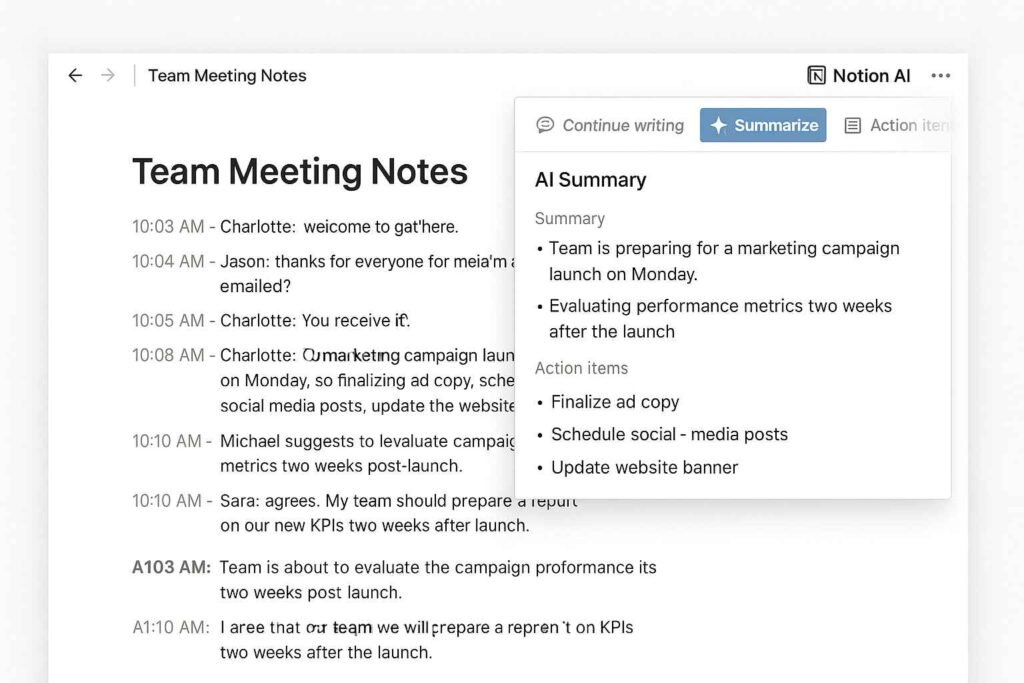
Notion AI is an advanced productivity assistant baked right into the Notion workspace. From brainstorming and writing to auto-summarizing meeting notes, it’s like having a hyper-efficient co-pilot that never forgets.
Whether you’re a student, freelancer, or part of a busy team, Notion AI helps you extract key insights from walls of text and make your digital workspace truly dynamic.
How Notion AI Transforms Note Summarization
Auto-Generating Bullet Points and Action Items
Rather than manually picking out to-dos, Notion AI scans your meeting transcript and generates bullet points and action items automatically. No more forgetting what you promised to follow up on.
Summarizing Long Meeting Transcripts
Got a 60-minute meeting filled with valuable insights? Notion AI digests it in seconds and offers a concise, scannable summary. It’s a game-changer for teams using tools like AI workflow automation platforms to streamline their project loads.
Turning Voice Notes into Smart Recaps
Even if you use voice memos or Zoom recordings, Notion AI can work wonders. Simply drop the transcript into a Notion page and hit “Summarize.” It extracts the meat of the conversation so you can focus on outcomes.
Step-by-Step: How to Summarize a Meeting with Notion AI
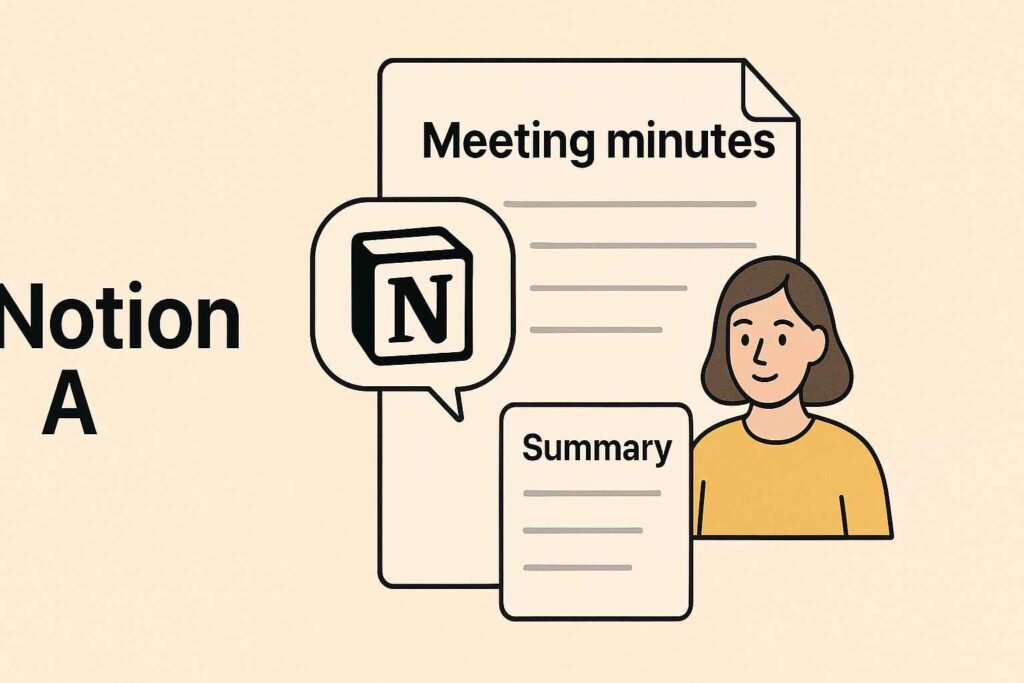
Step 1: Record or Import Your Notes
First, import your meeting notes or transcript into a Notion page. If you’ve been using templates from resources like the best Notion AI productivity templates, you’re already halfway there.
Step 2: Activate the AI Block
Click on the AI button (the spark icon) and select “Summarize” from the list of available tasks. Notion AI begins analyzing the content immediately, and you’ll see the transformation unfold in seconds.
Step 3: Select “Summarize” and Review
After the AI finishes, you can tweak the summary, add context, or even generate follow-up questions. The AI gives you a draft, but you’re always in control—making it ideal for those who value speed *and* accuracy.
Real-World Examples That Save Hours Weekly
Consider this: a project manager at a mid-size agency reported saving over 5 hours a week simply by summarizing team standups with Notion AI. Instead of typing up notes manually, they used the AI to instantly convert raw meeting text into clean briefs ready to share.
Students are also seeing the benefits. With tools like Notion AI for study notes, learners can quickly turn dense lecture transcripts into digestible summaries, making revision faster and less stressful.
Common Pitfalls and How to Avoid Them
While Notion AI is powerful, it’s not flawless. Sometimes it oversimplifies or misses nuance. Here’s how to avoid common issues:
- Don’t blindly trust the summary — always skim for accuracy.
- Feed it clean data — avoid unstructured walls of text or confusing shorthand.
- Use it as a first draft — then refine based on your meeting’s goals.
By treating Notion AI as a co-pilot instead of a replacement, you’ll get consistent results and avoid embarrassing oversights.
Is Notion AI Worth It for Teams and Professionals?
Absolutely—if your job involves frequent meetings, content planning, or team collaboration. In fact, many teams have started using it alongside other AI-enhanced tools from our guide on automating note-taking with Notion AI.
Notion AI scales with your needs, from daily summaries to company-wide documentation. And if you’re looking to invest in smarter workflows, this is a tool you can’t afford to ignore.
“Notion AI cuts through the clutter so I can focus on strategy, not transcription.” – A real-world user from a SaaS startup
Ready to transform your productivity? Try Notion AI today on the official site and see what it’s like to have your notes write themselves. It’s more than a tool—it’s your new competitive advantage.
Conclusion:
From meeting recaps to smart bullet points, Notion AI makes summarizing notes incredibly easy—and fast. Instead of spending hours cleaning up messy transcripts, you’ll free up time to focus on what truly matters. Want to see the power for yourself? Try Notion AI today and experience the smarter way to take notes.