
Feeling buried under endless to-do lists and digital clutter? You’re not alone—and that’s exactly where Notion AI steps in. With the right templates, you can turn daily chaos into streamlined focus. In this guide, we’ll reveal the best Notion AI templates for getting things done fast—no fluff, just powerful tools to help you win your day.
Why Productivity Is Broken for Most People
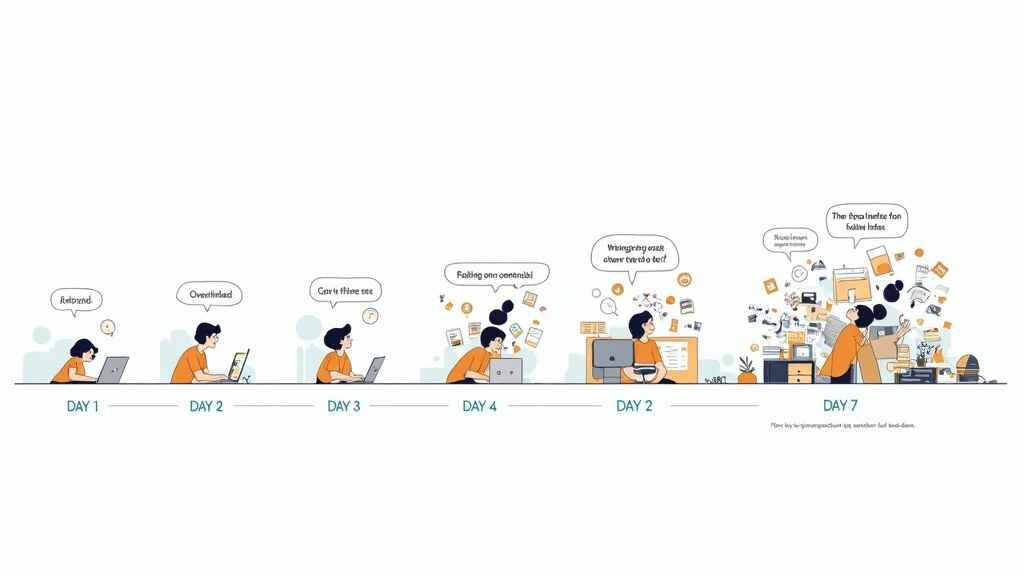
We’ve all been there—sticky notes everywhere, a dozen tabs open, and a to-do list that keeps growing. Despite all the apps and hacks, most people still struggle to stay organized and get things done. The problem? Traditional productivity tools require more input than they give back.
How Notion AI Solves the Modern Workflow Chaos
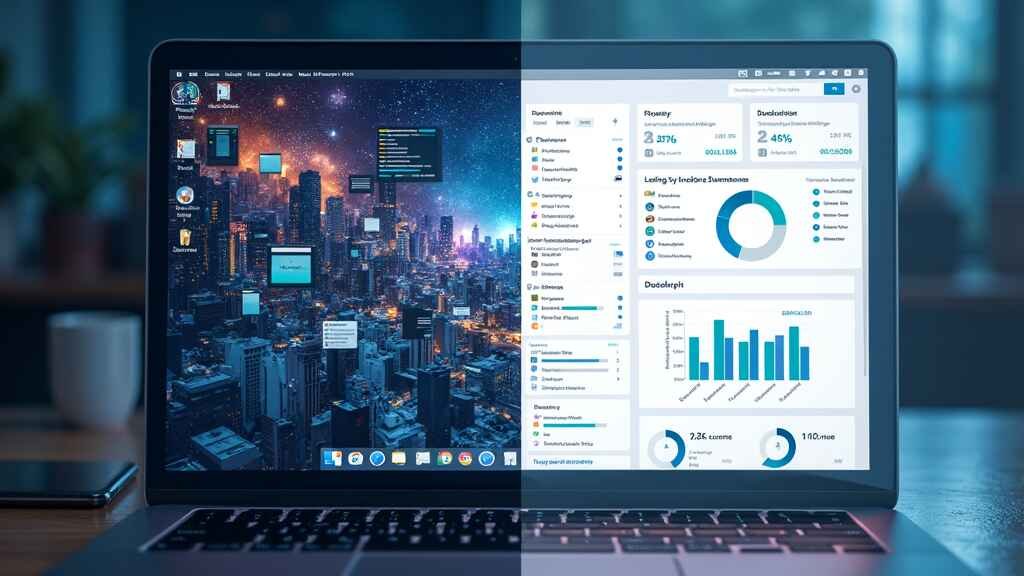
Notion AI steps in as a game-changer by combining flexibility, smart automation, and seamless integration—all in one workspace. With AI-driven assistance, you can generate task lists, summarize meetings, and even automate your planning—all without jumping between apps.
What Makes a Notion AI Template Truly Effective?
Automation & Time-Saving Features That Matter
Great Notion AI templates aren’t just pretty layouts—they automate repetitive tasks, provide structure, and adapt to your personal workflow. AI features like auto-summarization, task prioritization, and contextual reminders help you focus on what matters most.
Customization vs Pre-Built Simplicity
While custom setups are powerful, pre-built templates designed by experts save you hours. The best ones balance personalization with simplicity, letting you plug in your workflow immediately with minimal setup.
5 High-Impact Notion AI Templates to Try Right Now
1. Daily Planner with Smart Task Blocks
This template segments your day using AI-powered task blocks. Prioritize, delegate, and auto-reschedule with smart suggestions that adapt based on your input and task urgency.
2. Goal Tracker with AI-Powered Reminders
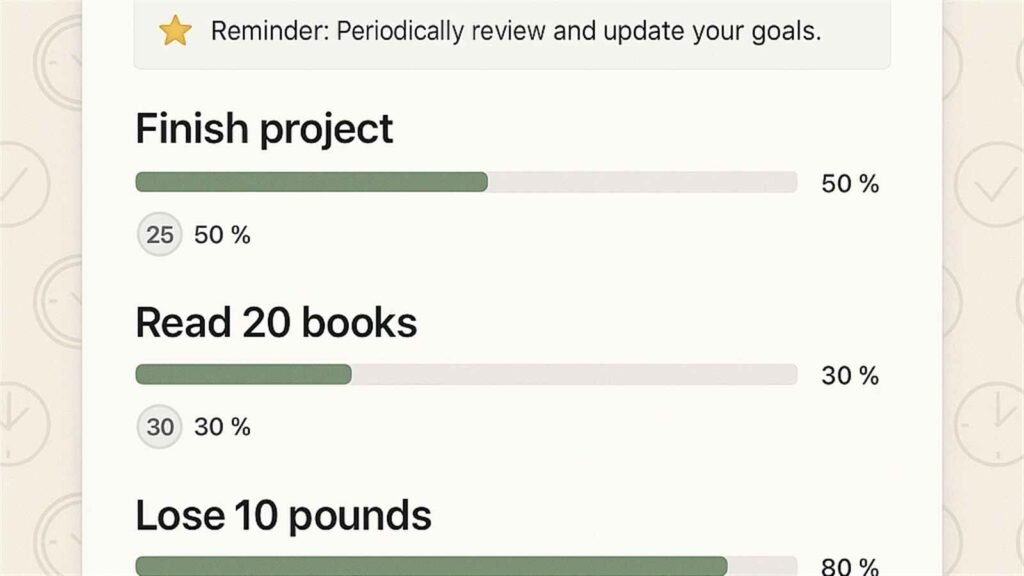
Set short- and long-term goals while AI ensures you never fall off track. It prompts progress reviews and automates recurring goals so you stay committed without constant oversight.
3. Weekly Review & Reflection System
Use Notion AI to summarize your weekly wins, challenges, and lessons learned. It helps you identify patterns and suggests areas of improvement based on your activity logs.
4. AI Content Calendar for Creators & Marketers
Perfect for content teams, this template uses AI to suggest topics, deadlines, and optimize your editorial flow. Integrate it with your publishing platforms and watch your workflow streamline.
5. Life Dashboard with AI Summarization
One dashboard to rule them all—track goals, habits, notes, and key metrics. Notion AI creates summaries so you get a bird’s-eye view without digging through data.
Case Study: How I Doubled My Output Using Template #2
After switching to the Goal Tracker with AI-Powered Reminders, I went from missing deadlines to crushing weekly objectives. The reminders kept me accountable, while the automatic progress tracking revealed blind spots I’d ignored for months. I even synced it with my calendar for effortless scheduling.
Common Mistakes People Make With Notion Templates
- Over-customizing: Spending hours tweaking instead of doing.
- Ignoring AI features: Not leveraging automation = wasted potential.
- Using too many templates: Leads to clutter, not clarity.
Quick Tips to Customize Templates for Maximum Results
- Stick to 1–2 core templates that serve your main goals.
- Set AI rules and triggers to automate reminders and summaries.
- Review and refine weekly based on output—not aesthetics.
Ready to Work Smarter? Try These Templates Today →
Why These Templates Are Worth the Investment
If you’re serious about taking back your time and working smarter—not harder—then Notion AI Templates are your secret weapon. They’re practical, proven, and designed for real people with real goals.
Unlock Lifetime Access to the Best Notion AI Toolkit
Don’t wait. Click here to get official Notion AI access and supercharge your workflow with these high-performance templates. This is your moment to build a system that actually works—for school, business, or life.
Related Reads You’ll Love
- Top AI Workflow Tools to Automate Your Daily Tasks and Projects
- How to Automate Note Taking and Planning with Notion AI
- How to Summarize Notes and Meetings with Notion AI
- Using Notion AI to Manage Study Notes and Tasks
Conclusion
If you’re tired of juggling tasks and tools, it’s time to make a change. The best Notion AI templates are more than layouts—they’re systems that work for you. Start using them today and transform how you plan, work, and achieve. Ready to boost your productivity? Explore the templates and grab official Notion AI access now.