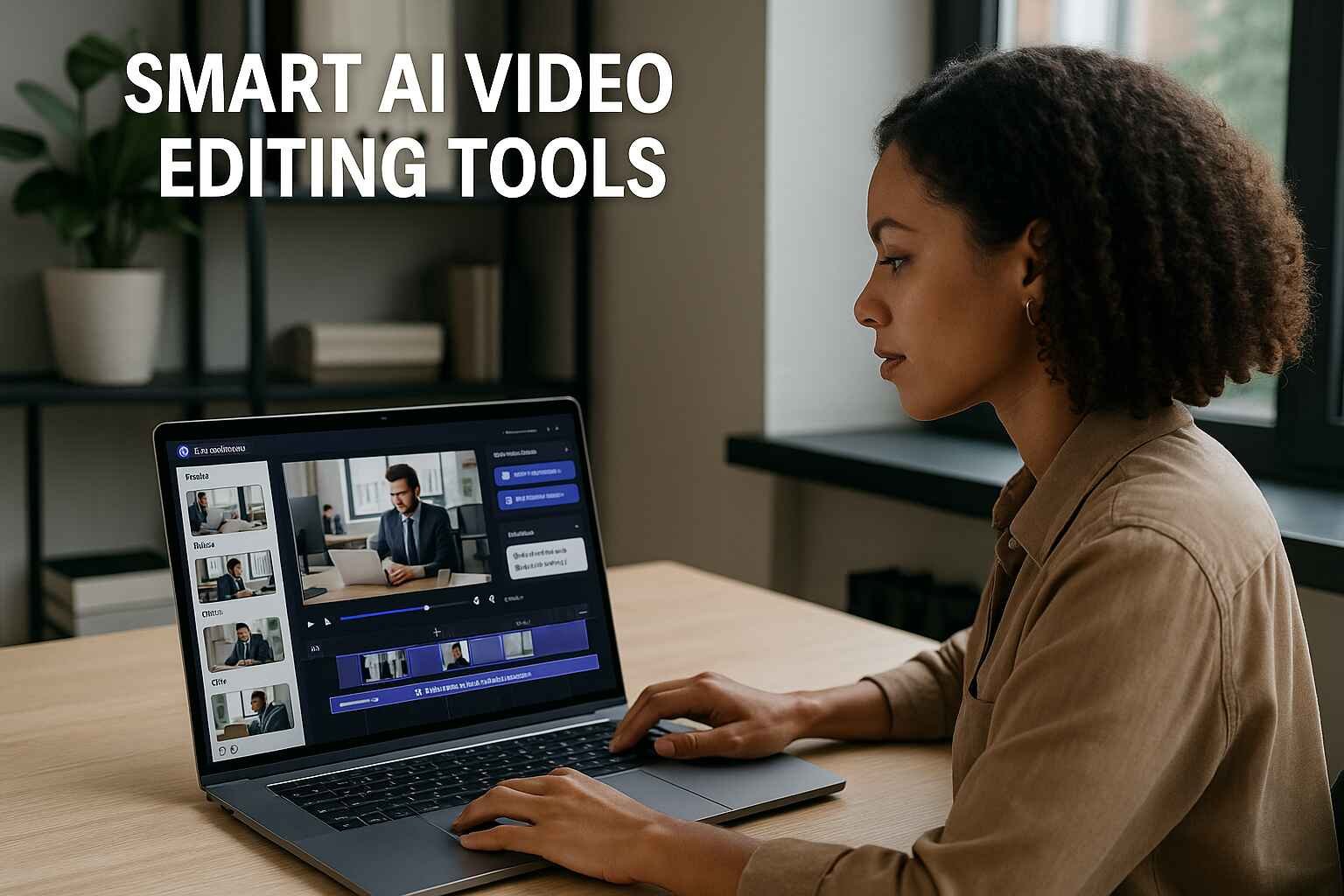
Creating viral videos doesn’t have to be a time-consuming grind. With the rise of smart AI video editing tools, marketers and content creators can now produce polished, engaging videos in a fraction of the time. Whether you’re running a YouTube channel or growing a brand on social media, using the right tools can mean the difference between content that’s ignored — and content that explodes with shares and engagement.
In this article, you’ll discover exactly how to use Pictory AI and other powerful editors to craft videos that captivate, convert, and go viral. Ready to level up your video game?
Why AI Video Editing Tools Are Changing the Game
Video creation has evolved beyond clunky desktop software and steep learning curves. Thanks to smart AI video editing tools, creators and marketers can now produce professional-quality content without needing a Hollywood-level skill set. These tools use machine learning to automate tedious editing steps, making it faster and easier to generate attention-grabbing videos that drive results.
Whether you’re a social media manager, a YouTuber, or a digital marketer, AI editors help cut production time while enhancing output quality. The real game-changer? Many of these tools are built with features tailored to marketing needs — like auto-subtitling, script-to-video conversion, and branded templates.
Best AI Video Editing Tools for Creators and Marketers
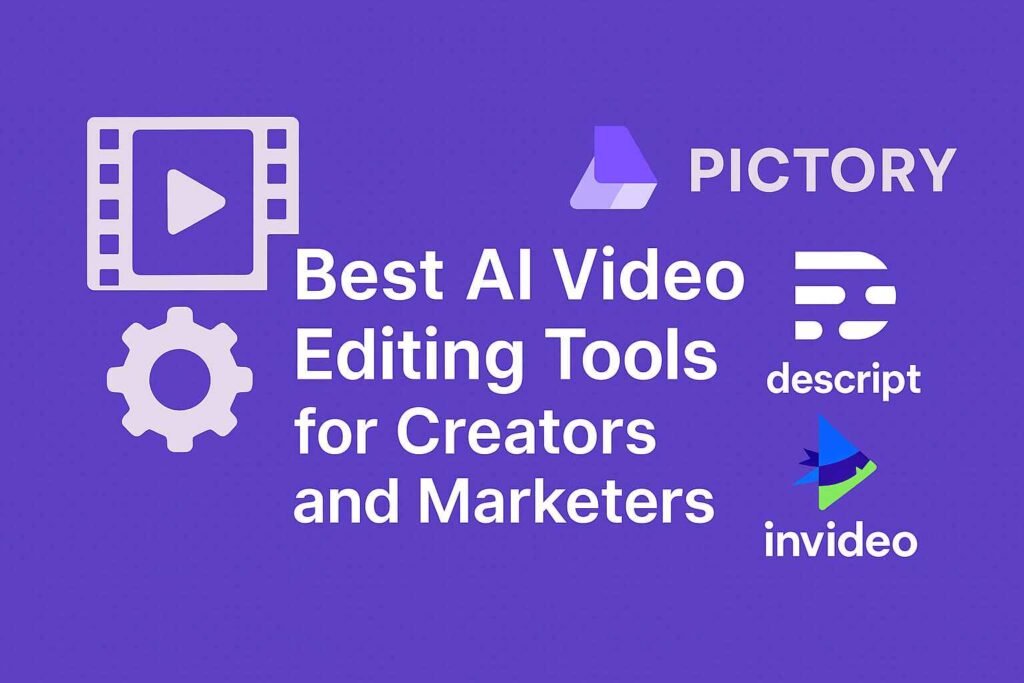
The AI video editing landscape is rich with tools catering to various styles and needs. Here are some of the most popular and effective ones:
- Pictory AI – Script-to-video automation, automatic scene detection, and voice-over capabilities.
- Lumen5 – Great for turning blog posts into engaging social media clips.
- VEED.io – Best for quick edits, captions, and branding tools.
- InVideo – Offers a massive template library and real-time collaboration.
To compare features in more depth, check out this guide on choosing the right AI editor.
How to Create Videos Quickly with Pictory AI
Pictory AI stands out for its simplicity and automation. You can literally go from idea to finished video in under 30 minutes. Here’s how:
Uploading Your Script or Article
You can paste in your own script or URL. Pictory will then auto-generate scenes based on your content. This is ideal for repurposing blog posts or social content.
Scene Selection and AI-Powered Editing
The platform automatically selects relevant visuals, but you can manually tweak scenes, adjust the voice-over, or add branding elements. To dive deeper into this process, read this step-by-step guide.
Generating Video Scripts with Pictory AI
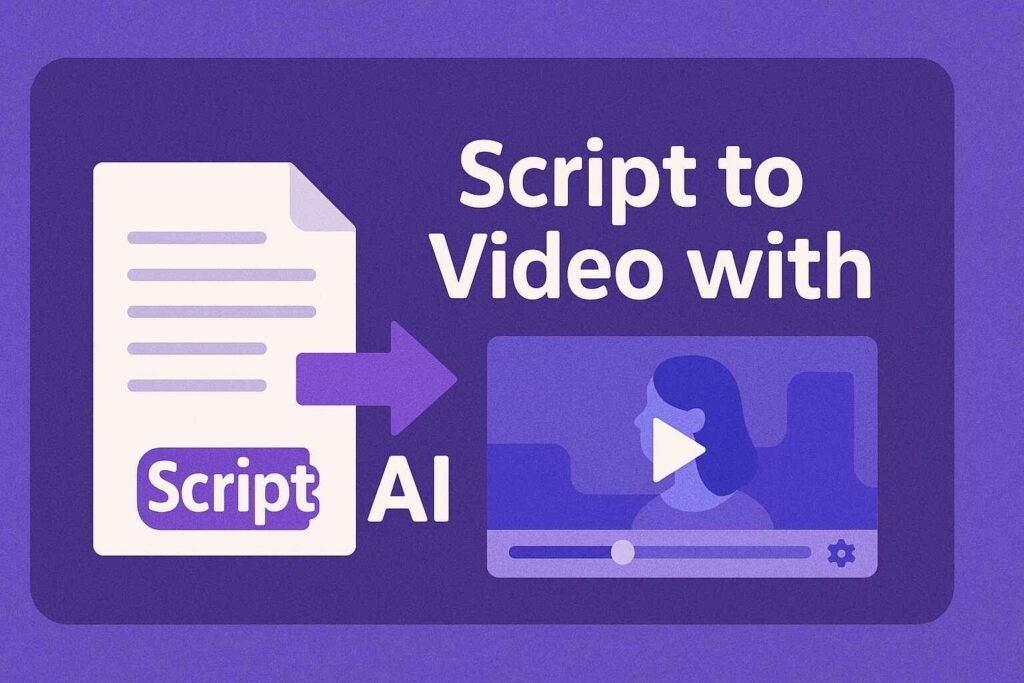
If you don’t have a script, Pictory can help create one. The tool includes AI-based suggestions and templates for various video styles.
Turning Blog Posts into Scripts Automatically
Simply enter a blog URL, and the tool will summarize key points and generate a script-ready structure. It’s a fast, efficient way to reuse existing content.
Using the Built-In Script Generator
Alternatively, use the AI writing assistant inside Pictory. It crafts compelling scripts based on your selected video objective — educational, promotional, or inspirational. Learn more in this detailed breakdown.
Editing YouTube Videos with Pictory AI
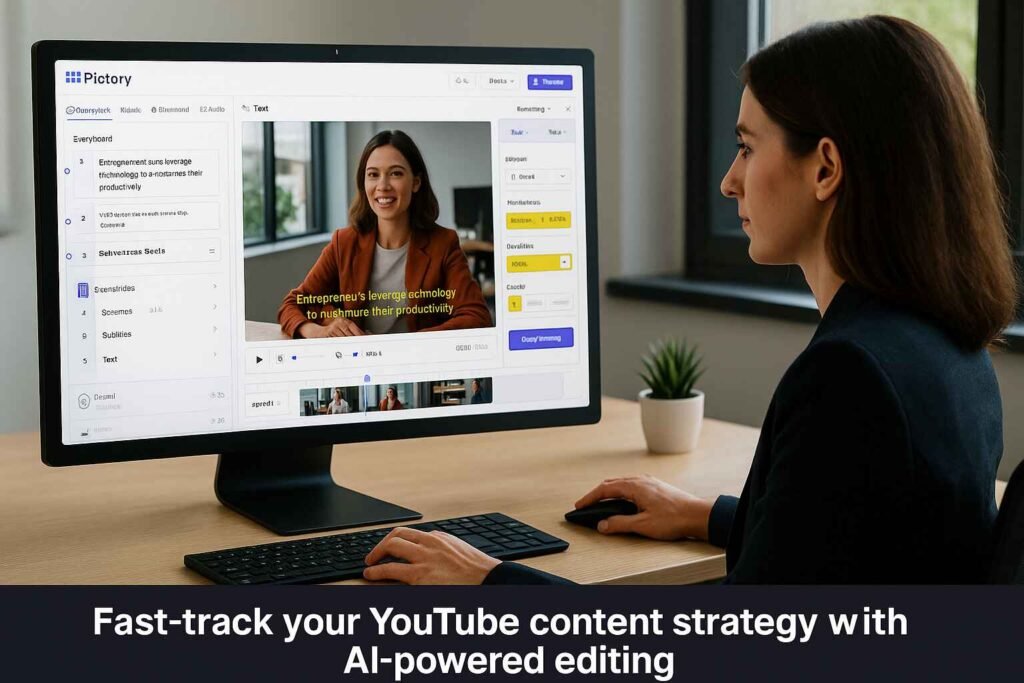
Pictory isn’t just for short videos — it’s ideal for editing long-form YouTube content as well.
Trimming, Branding, and Auto-Subtitles
You can automatically remove filler words, brand your video with logos and colors, and add subtitles in one click. This saves hours of manual editing.
Export Options and Social Sharing
Export in various aspect ratios and formats. Share directly to platforms or download for scheduling. More tips can be found in this guide.
Why Pictory AI Is Perfect for Marketers & Entrepreneurs
Marketing is about speed, relevance, and ROI. Pictory checks all three boxes by enabling faster video creation, consistent branding, and platform-optimized output. Plus, it supports lead generation with captioned videos and call-to-action overlays.
Interested in ROI? See Pictory’s pricing and value breakdown to decide what plan fits your business.
Start Editing Smarter: Try Pictory AI Today
If you’re tired of clunky software or expensive editors, Pictory AI offers a streamlined, high-conversion alternative. With automated workflows and flexible templates, it’s a go-to solution for anyone serious about scaling video content production.
Try Pictory AI now and start creating viral videos that convert.
AI video editors like Pictory are revolutionizing how we create content — turning hours of editing into minutes of automation. From script generation to full YouTube video production, these tools deliver speed, scalability, and style without compromising quality. If you’re serious about growing your brand or boosting marketing ROI, it’s time to embrace smart video creation.
Start today: explore Pictory AI and see how easily you can create viral-worthy videos that stand out and drive results.