Wondering if Pictory AI is really worth the price? You’re not alone. With so many AI video editors out there, it’s easy to overpay—or worse, choose the wrong plan. Pictory AI is a game-changer for content creators, but only if you know how to unlock its true value. In this article, we’ll break down everything from pricing tiers to hidden ways to save big—so you don’t waste a single dollar. Ready to scale your video game without breaking the bank? Let’s dive in.
Why Pictory AI Is a Game-Changer for Video Creators
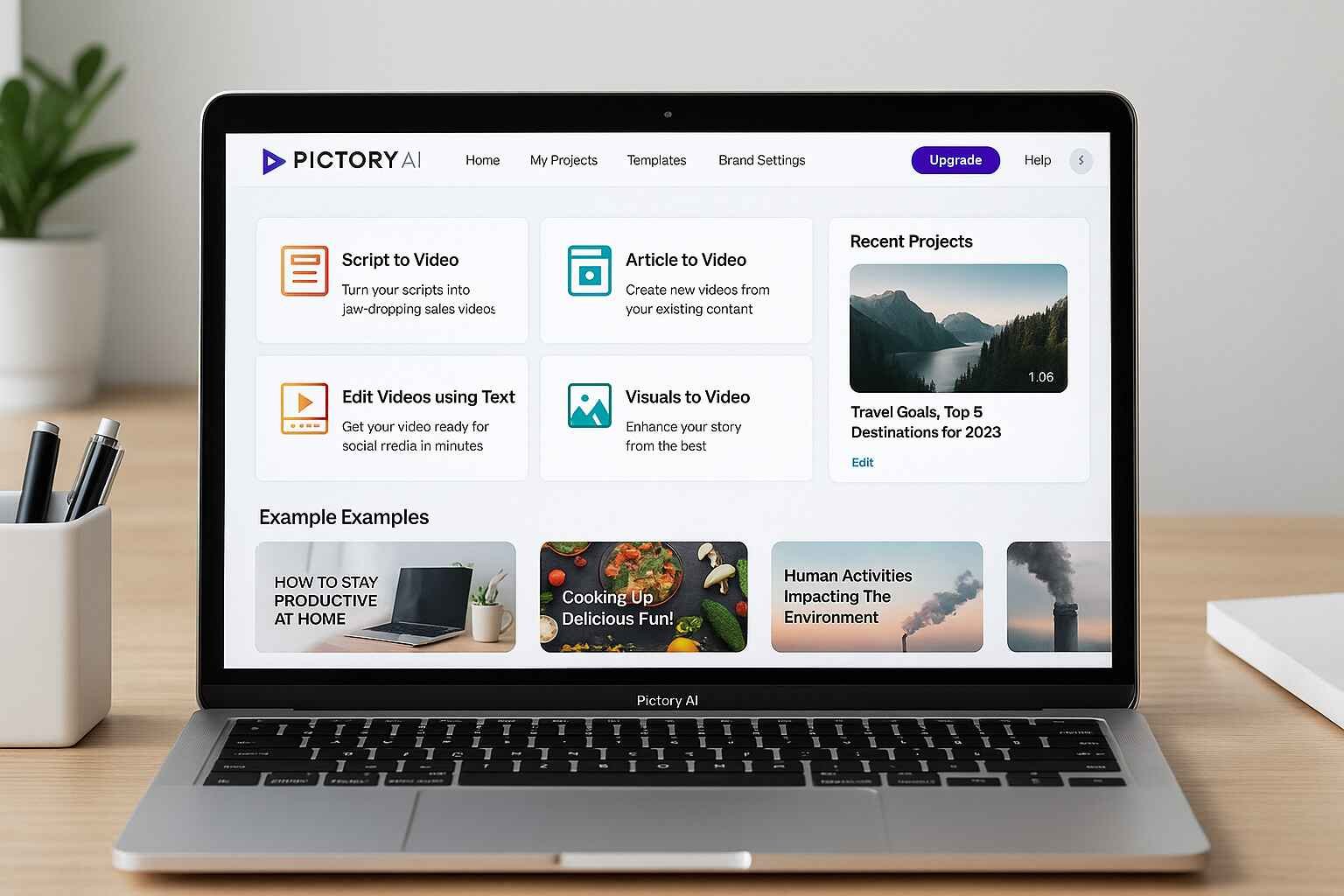
Whether you’re a marketer, content creator, or small business owner, video content is now non-negotiable. But hiring editors or spending hours trimming clips just isn’t sustainable. Pictory AI solves that with an intuitive platform that transforms scripts, blog posts, or raw footage into stunning videos in minutes.
With Pictory AI, you don’t need editing skills or expensive software. Its drag-and-drop functionality, voiceover sync, and automatic subtitles make it a top-tier choice—especially if you’re producing content at scale.
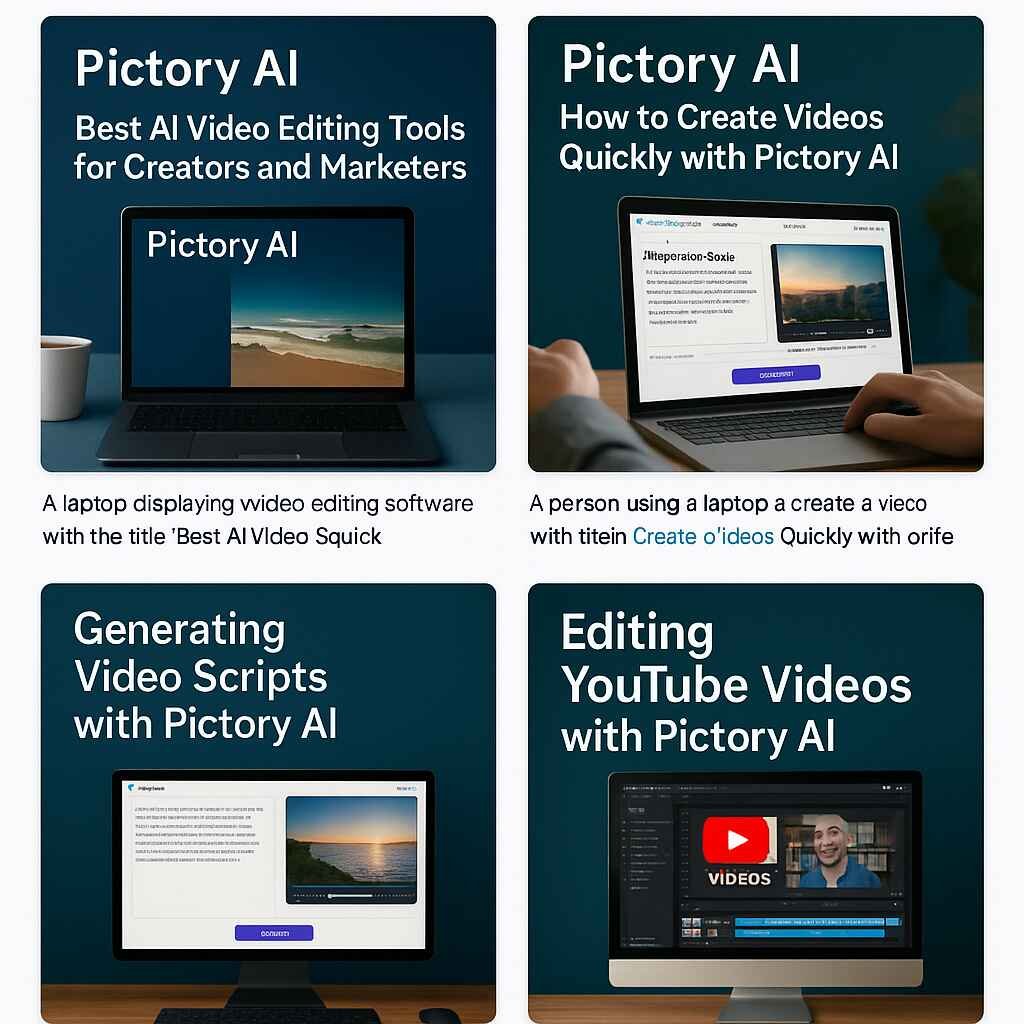
Best AI Video Editing Tools for Creators and Marketers
Pictory AI is great, but how does it compare to other tools in the market? If you’re exploring all your options, check out this detailed comparison of editing tools: How to Choose the Right AI Editor for Your Video Projects.
- Runway ML – A creative suite with generative tools for visual storytelling. Visit Runway ML
- Lumen5 – Transforms blog posts into professional videos. Explore Lumen5
- Animoto – Aimed at marketers who want branded templates fast. Try Animoto
While each tool has strengths, Pictory shines for its script-to-video and auto-caption features built specifically for social and YouTube creators.
How Pictory AI Stands Out From the Competition
- Text-to-Video: Upload a script or article—get a video in minutes.
- Auto Captioning: Add captions automatically, ideal for silent viewing on social media.
- Voiceover Integration: Use AI-generated voice or record your own effortlessly.
It’s a no-brainer for creators who value time, speed, and affordability.
Pictory AI Pricing Plans Explained
Let’s talk numbers. Pictory offers three core pricing tiers:
| Plan | Monthly Price | Best For |
|---|---|---|
| Standard | $23/month | Beginner creators, basic editing needs |
| Premium | $47/month | Marketing teams, YouTubers, social media content |
| Teams | Custom Pricing | Enterprise and collaboration-heavy projects |
Compare the plans directly on the official pricing page.
Monthly vs Annual: Which Saves You More?
If you’re in it for the long haul, the annual plans offer up to 25% savings. For example, the Standard plan drops to $19/month when billed annually—saving you nearly $50 per year.
Is the Free Trial Really Worth It?
Absolutely. You get full access for 7 days without entering payment details. It’s the fastest way to test real use cases like script-to-video generation, YouTube editing, and more.
How to Create Videos Quickly with Pictory AI
Want to see how fast it really is? This tutorial breaks it down in steps:
How to Create Videos Quickly with Pictory AI
- Upload your script or paste article content.
- Choose a template and let the AI select visuals.
- Edit scenes, add music or voiceover, and export.
From blog post to publish-ready video in under 10 minutes—that’s not just fast, it’s efficient.
Generating Video Scripts with Pictory AI
If you’re struggling with scriptwriting, Pictory AI takes the pressure off. It helps generate ready-to-edit video scripts from blog posts, article links, or custom input.
This guide goes in-depth: Generating Video Scripts with Pictory AI.
You simply enter your source content, and Pictory highlights key sentences, then stitches them into a coherent script aligned with your chosen visual style. It’s ideal for:
- Turning blogs into engaging explainers
- Summarizing long articles into social videos
- Creating bite-sized learning content
AI-Powered Script Assistance for Beginners
Not everyone is a copywriter. Pictory’s built-in AI gives content suggestions and storyboards to guide your message. You can even edit tone, sentence structure, or insert a custom call to action to fit your branding.
Editing YouTube Videos with Pictory AI
YouTube creators love Pictory for one key reason—it speeds up the entire workflow.
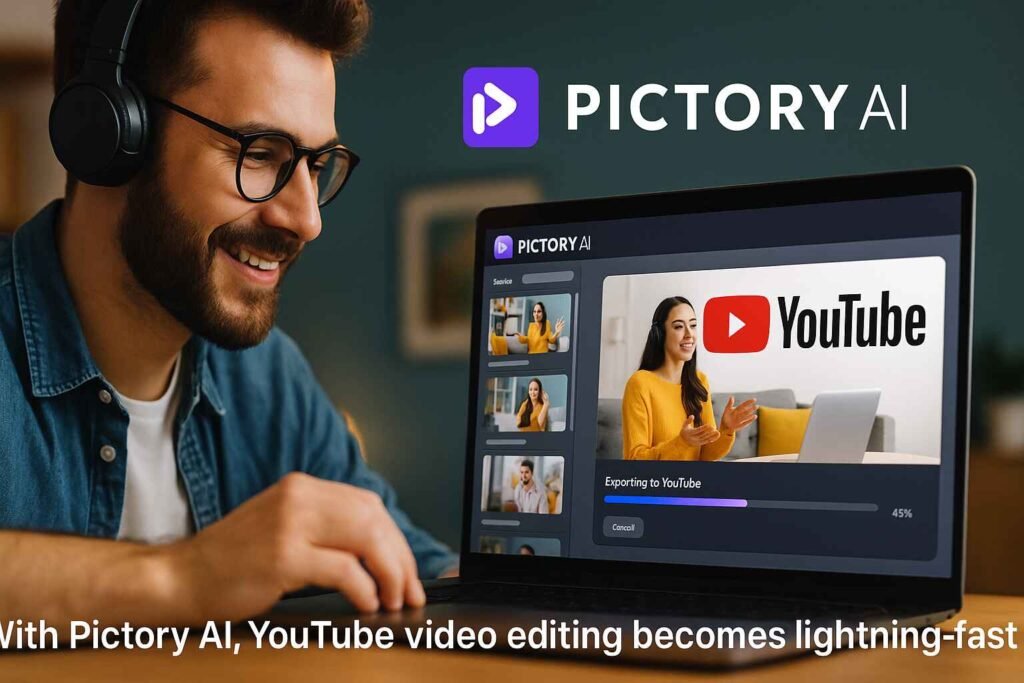
Here’s a full walkthrough: Editing YouTube Videos with Pictory AI.
From cutting long videos into shorts to adding intros/outros, it gives creators complete flexibility:
- Auto transcribes your content
- Removes filler words and awkward pauses
- Lets you edit using the transcript—not timeline
That alone is a time-saver worth hundreds of dollars a month in editing services.
Monetize Faster with AI-Powered Edits
Quick edits mean faster uploads. Faster uploads mean more content in your queue—and ultimately, more monetization opportunities. Pictory even adds branding elements like watermarks, logos, or call-to-action overlays automatically.
Proven Ways to Save Money on Pictory AI
Now, let’s get to the heart of this article—how to save big on your Pictory AI subscription.
Exclusive Discounts, Coupons, and Bundles
- First-time User Discounts: Occasionally, Pictory offers 15–20% off via special links or partner promotions. Always check the official pricing page or verified review sites.
- Annual Billing Discounts: As mentioned, going annual can save you 20–25% off over the course of the year.
- Affiliate/Creator Codes: YouTubers or bloggers sometimes offer codes that stack with free trials. Follow Pictory’s YouTube channel or mailing list for announcements.
When to Upgrade for Maximum ROI
If you’re hitting volume limits on exports, watermarks, or auto-captioning, upgrading to Premium makes sense. But here’s a tip—don’t upgrade mid-billing cycle. Wait until the renewal point to maximize every dollar spent.
Bonus tip: If you manage multiple brands or clients, the “Teams” plan offers bulk savings and shared workspaces. Don’t pay for separate accounts when one will do.
Final Tip: Take Action Today
Pictory AI isn’t just affordable—it’s scalable. And the best time to lock in savings is before pricing increases or discounts expire. Start with the free trial, explore its full potential, then upgrade smartly based on your content needs.
Click here to start your free Pictory AI trial today and begin saving time, effort, and money on every video you publish.
When used wisely, Pictory AI isn’t just a cost—it’s an investment. With powerful editing features, quick video generation, and affordable plans, it offers exceptional value for creators and marketers alike. From annual billing discounts to creator codes and free trials, there are plenty of smart ways to reduce your spend while increasing output. So if you’re serious about video content, don’t wait. Start your free trial now and discover how much you can truly save with Pictory AI.